
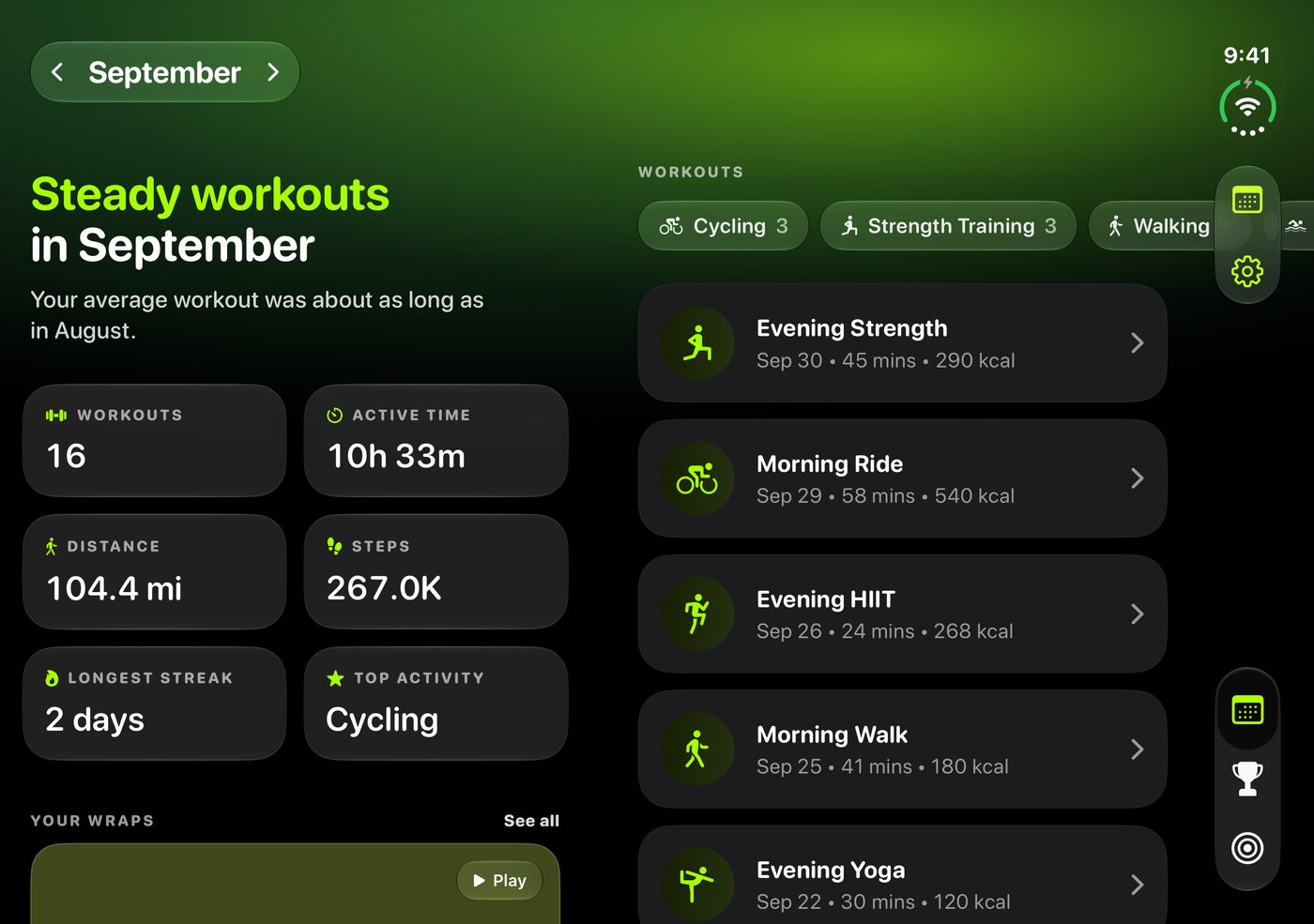
When iPhone Duo is open
Summary in two columns
Your month's summary is on one side and your recent workouts are on the other, so you see both without scrolling.
Wraps beside the page
A wrap plays in a phone-shaped pane next to the page you opened it from. Your wraps grid stays in view, so you can go from one wrap to the next.
Matchups side by side
Your list of matchups is on the left and the selected matchup is on the right.
A bigger share editor
Pick a layout and its options on the left and see the full-size card on the right before you post.
Controls that follow the toolbars
When iPhone Duo moves the toolbars to the side of the display, Fitness Wrapped moves its controls with them.
See it on iPhone Duo
When it is folded
Fitness Wrapped works as it does on any other iPhone, with the same summaries, wraps, matchups, widgets and share cards.
Get Fitness Wrapped
Fitness Wrapped is free on the App Store for iPhone. Today, this week, this month, this year and the last 7 days are always free. Premium costs $2.99 per month, $24.99 per year or $49.99 once.